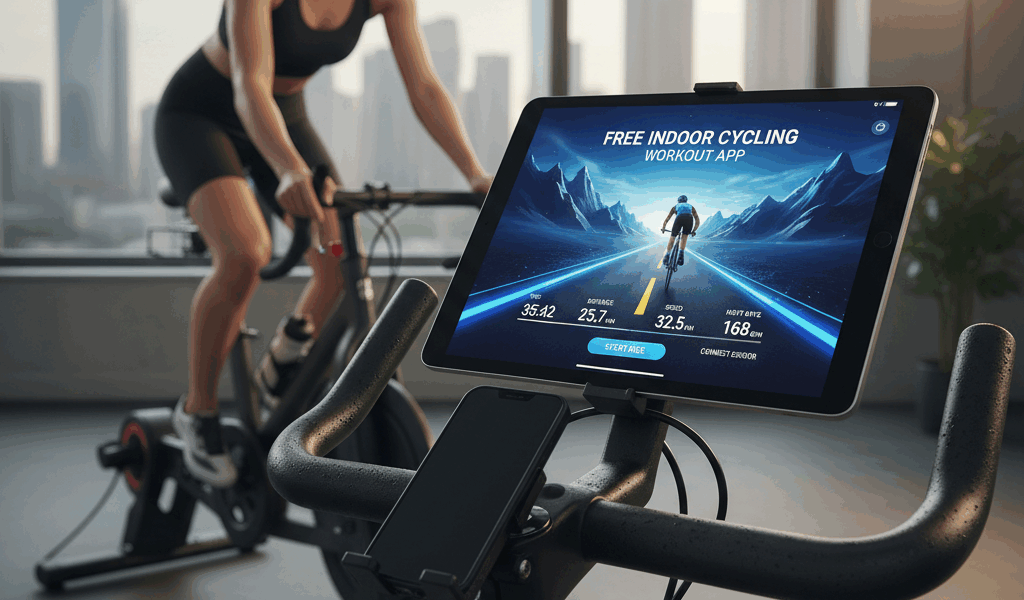
Indoor cycling apps have gotten complicated with all the subscription tiers and feature comparisons flying around. As someone who’s used five different platforms across three winters, I learned everything there is to know about what actually keeps you pedaling when the weather won’t cooperate. Today, I will share it all with you.
That’s what makes finding the right app endearing to us indoor-training enthusiasts — the difference between dreading the trainer and actually looking forward to it.
Why Apps Matter
But what is the point of a cycling app when you could just… pedal? In essence, motivation and structure. But it’s much more than that.
Staring at a wall while pedaling is boring. Within twenty minutes, most people quit. Apps provide something to focus on — virtual worlds, structured workouts, races, social riding. They transform indoor training from endurance test to actual enjoyment.
Frustrated by abandoned trainer sessions, I finally subscribed to Zwift in 2020. My indoor riding went from “force myself to do 30 minutes” to “accidentally ride for 90 minutes because I was having fun.” The psychology matters.
The Major Platforms
Probably should have led with this section, honestly — here’s what each major app actually offers:
Zwift: The default choice. Virtual worlds, races, group rides, structured workouts. Gamification elements (levels, unlocks) keep you coming back. Most popular = most people to ride with. ~$15/month.
TrainerRoad: Pure training focus. No virtual worlds — just structured workouts with data overlay. Adaptive training plans adjust based on your performance. For riders who want efficiency over entertainment. ~$20/month.
Rouvy: Real video routes with AR elements. You watch actual road footage while riding. Good for riders who want virtual tourism. ~$15/month.
Wahoo SYSTM (formerly Sufferfest): High-intensity focus with mental training elements. Workouts are brutal but effective. Integration with Wahoo hardware. ~$15/month.
MyWhoosh: Currently free. Newer platform trying to compete with Zwift. Fewer users but growing features.
Hardware Requirements
All apps work with smart trainers (trainers that connect via Bluetooth or ANT+ and can be controlled by the app). With a smart trainer, the app adjusts resistance automatically — climb a virtual hill and the trainer gets harder.
Non-smart trainers work too, but you manually adjust resistance. Speed sensors estimate power. It’s functional but less immersive.
I’m apparently in the smart trainer camp — the automatic resistance changes make the experience dramatically better. The initial investment pays off in engagement.
What I Actually Use
Zwift for social rides and races. The gamification keeps me coming back, and finding a group ride at any time is easy given the user base.
TrainerRoad for structured training blocks. When I’m following a training plan and don’t want distractions, the focused interface works better.
I’ve tried Rouvy and enjoyed the realism but found myself returning to Zwift for social elements. Personal preference.
Free Options
MyWhoosh is legitimately free and increasingly capable. Worth trying before committing to paid subscriptions.
Most paid apps offer trial periods. Use them. The feel varies significantly between platforms, and personal preference matters more than feature lists.
YouTube has endless cycling content — follow-along workouts, scenic rides, race footage. Pair with a speed/cadence sensor and you have basic indoor training for free. Less interactive but zero cost.
Making the Call
Try before subscribing. Most platforms offer free trials. What works for one rider doesn’t work for another — some need gamification, some need structure, some need realism.
Consider what keeps you motivated. If you’re competitive, Zwift’s races are compelling. If you want pure training efficiency, TrainerRoad delivers. If you want virtual tourism, Rouvy or Kinomap.
The best app is the one that gets you on the trainer. A “lesser” app you actually use beats a “better” app you don’t.